
I serve on staff at Christ Church in Davenport, Iowa. As a smaller congregation, we have to choose carefully to ensure we have the resources needed AND stay within budget. Sometimes it feels like finding water in a desert. But, I have good news. There are ways smaller churches can find fantastic resources at no and low costs.
Now, let me be clear that in order for your church to get the free resources listed here, you must be a 501(c)(3) organization. In the United Methodist Church, we have a group exemption from our denomination; therefore, the entire denomination is 501(c)(3). Because of that group ruling, our church did not need to file separate paperwork to become a 501(c)(3) non-profit organization.
When I first started with Christ Church was in the olden days of having a physical network server at our building that housed all of our emails. Today, we enjoy a Google Workspace with features like Gmail and Google Drive at no cost. Google recognizes that non-profits, like churches, need support and resources. They provide our Google Workspace at no cost because we have validation through TechSoup. TechSoup is a fantastic resource, we’ll get into how they can help you another day, but it’s crucial that you get their validation token to be able to complete your Google non-profit application.
The Google Workspace gives our team so much flexibility! Our team can access their email and documents remotely and doesn’t have to be in the office to do so. If you’re at a church with a Google Workspace, you already know how easy and convenient the platform is. If your church is a 501(c)(3), you are eligible to receive it for free.
Before Christmas, I was chatting with a peer at another United Methodist Church. They were getting ready to onboard a new staff member. While excited to onboard a new staff member, she lamented that this would bump them up a tier with Google and that they’d have to pay more money. I was able to tell her to get a TechSoup verification so she can get the Google Workspace for free! After going through the process with TechSoup and Google, her church now has a FREE Google Workspace and saves money each month.
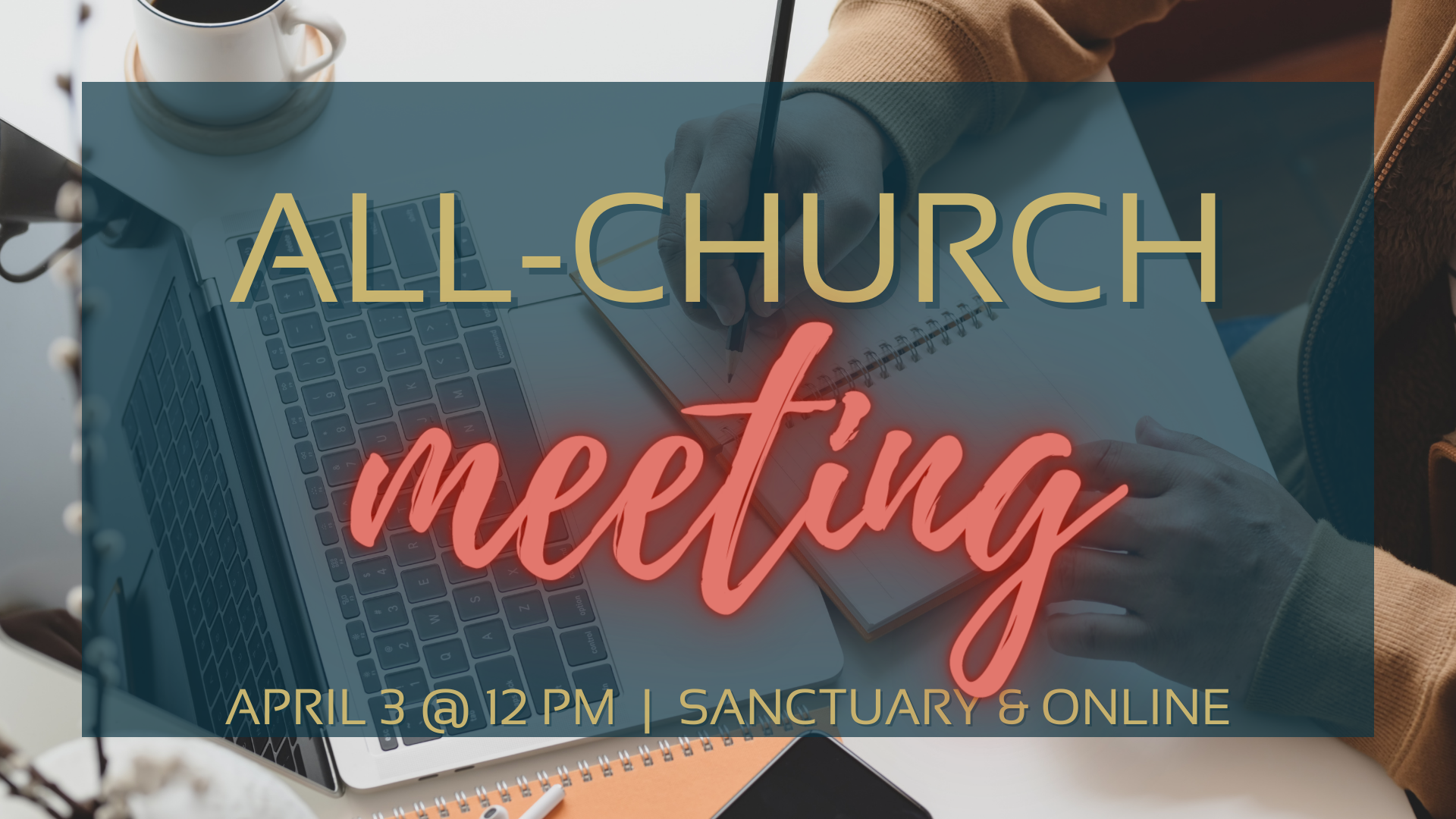
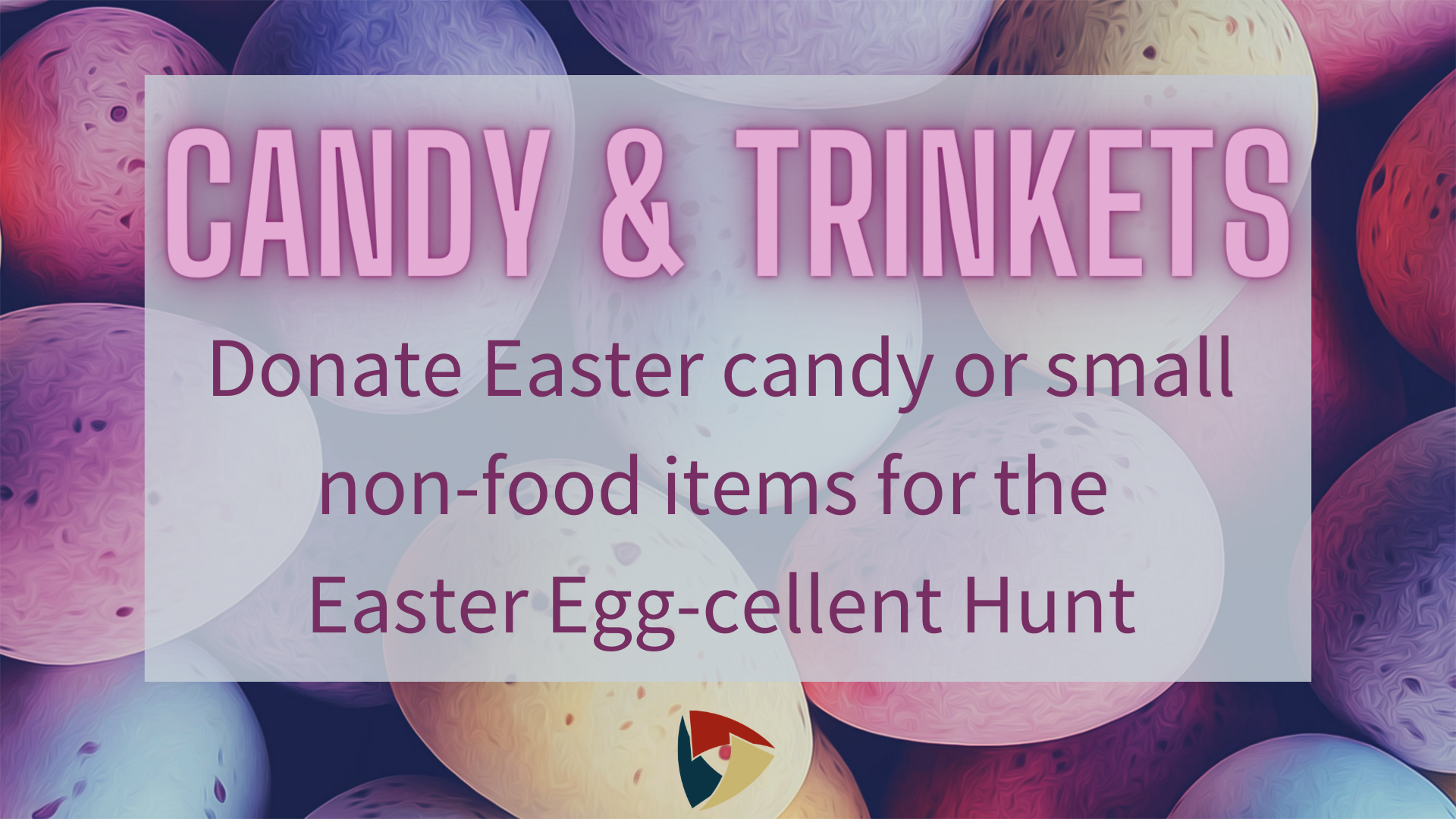
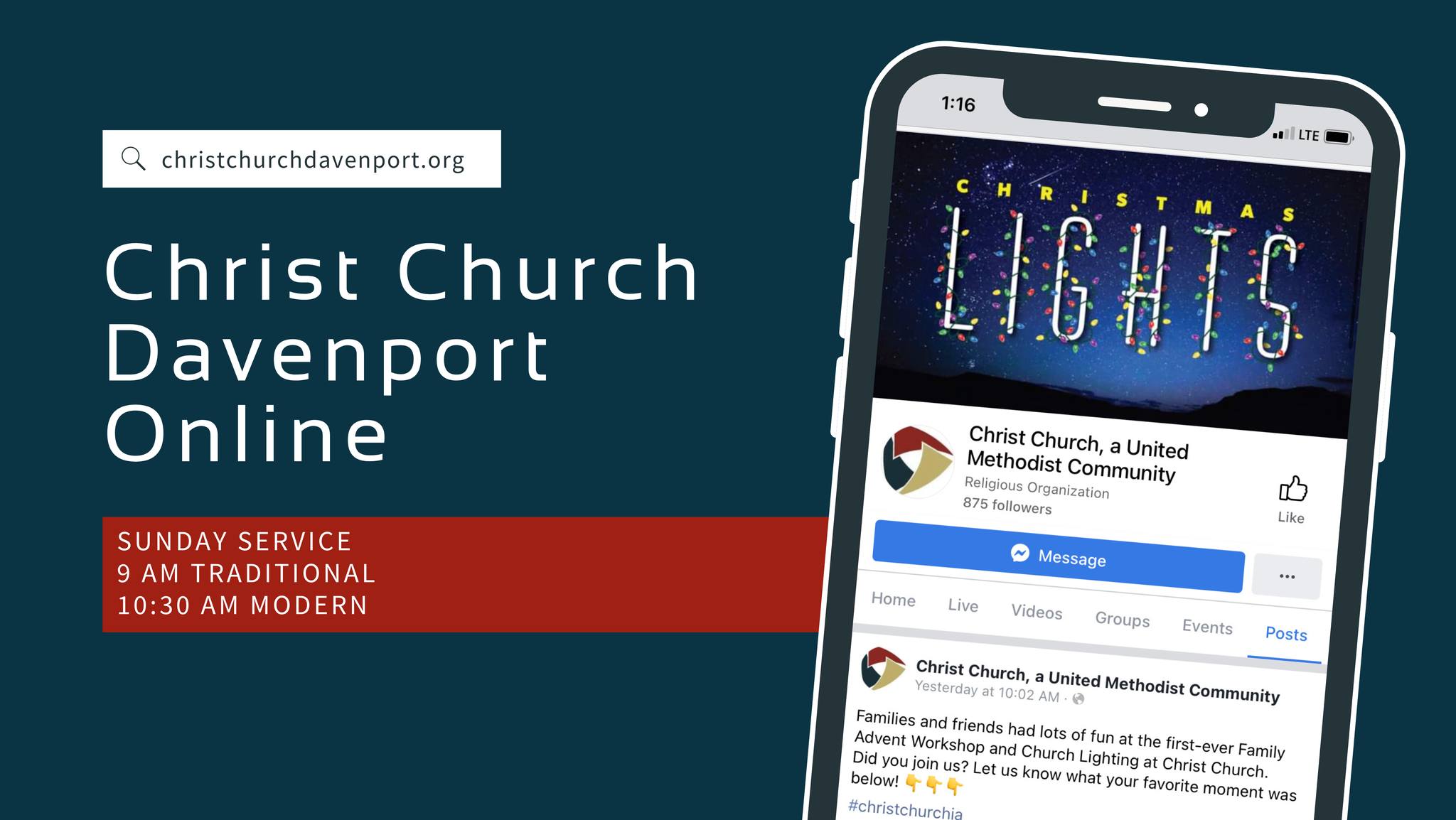
The other thing I feel like every single church needs is a Canva subscription. Canva also has a sweet non-profit deal: non-profits qualify for a Canva Pro subscription at no cost. I can handle myself in Photoshop when needed. But, Canva makes it so easy to whip out flyers, event graphics, announcement slides, and more. That little app has saved me so much time! And for FREE DOLLARS?!?! That makes Canva one of the best deals for your church. The gallery below showcases a few things I’ve created in Canva for our church.







So, how does one get in on these deals? Well, there are three key things you need to do:
- Apply for your TechSoup Validation.
- Once you have your token from TechSoup, apply for your Google Non-Profit workspace to get Google Workspace for your church.
- Apply for your FREE Canva Pro account.
Want help walking through these steps? Book a call with me here for a complementary 15-minute coaching session. Need more than 15-minutes? Book 30-minutes or 60-minutes for more in-depth coaching.
 April Buske
Leave a comment